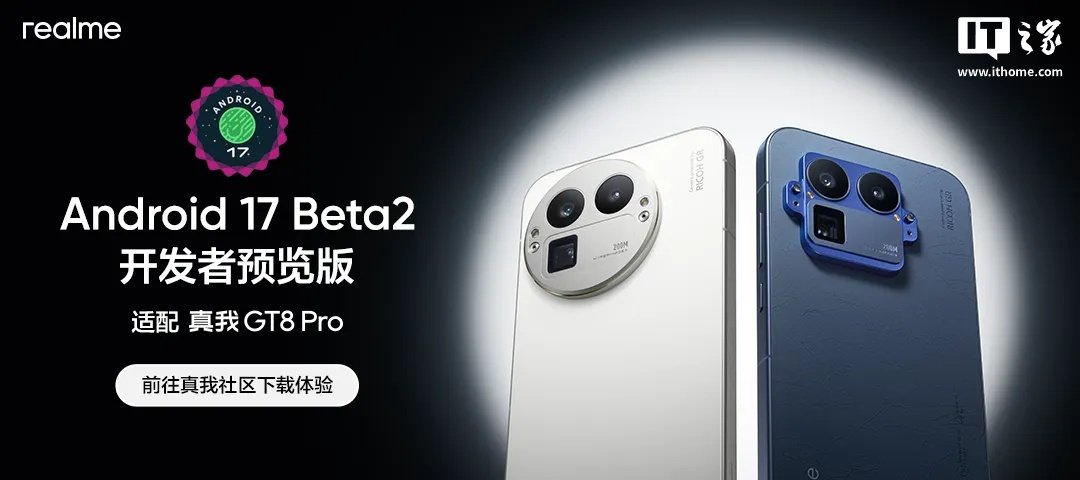
realme has published official instructions for an Android 17 Developer Preview build tailored to the realme GT8 Pro. The guide was posted by the realme UI team in the company’s community, and it explains both how to install the preview package and how to roll the phone back afterward if needed.
According to realme, this first preview version is based on its own realme UI work developed in close cooperation with Google. At the moment, the build only supports the realme GT8 Pro. The company also makes it pretty clear that this release is aimed at developers rather than everyday users. It describes the software as an early-stage version that may not include every built-in Android feature yet, and it warns that Google apps as well as third-party apps may not work normally.
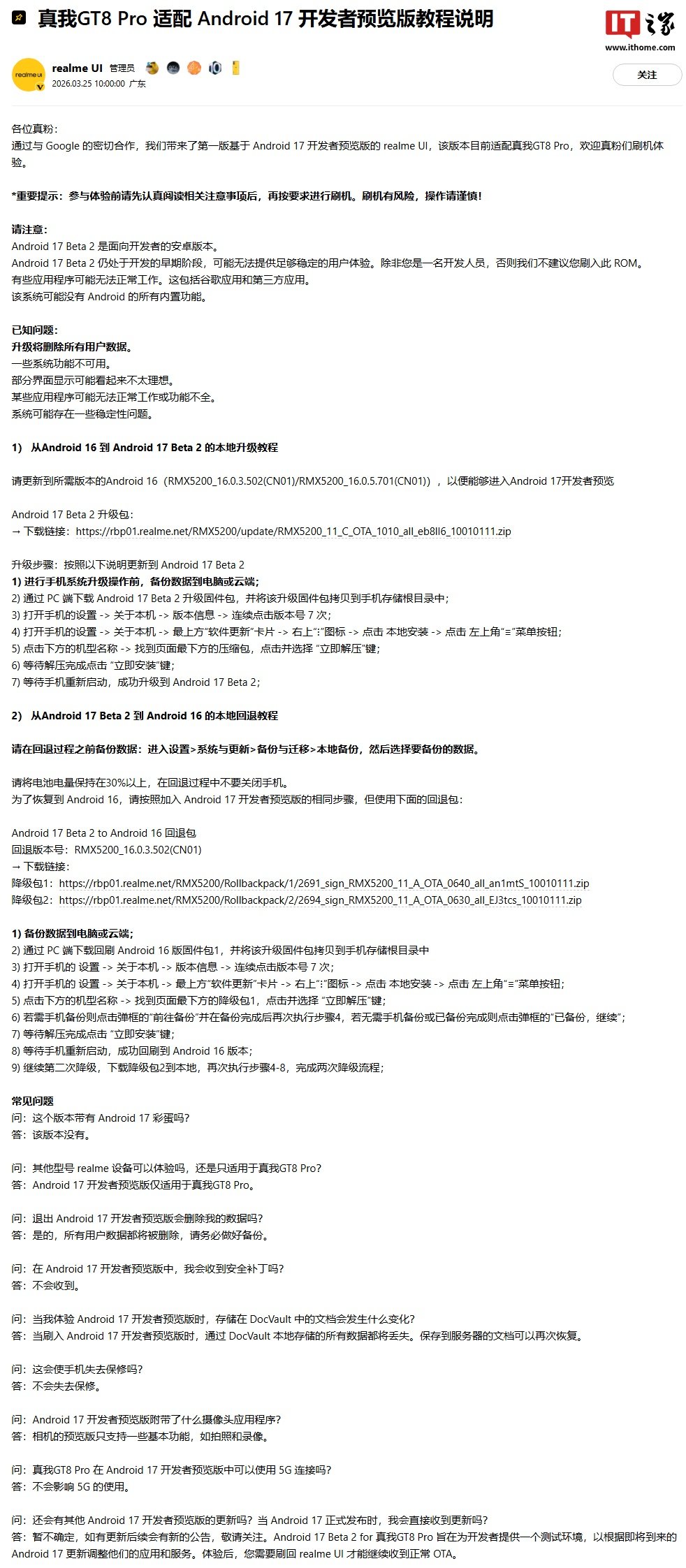
The notice lists several known issues up front. Installing the preview will erase all user data on the phone. Some system functions are not available, parts of the interface may not display ideally, certain apps may only work partially or fail to run, and the system may still have stability problems. In other words, this is a test environment, not something meant for a primary device unless you specifically need to validate app behavior against Android 17 Developer Preview changes.
For users who do want to try it, realme says the phone first needs to be updated to one of the required Android 16 builds that can enter the preview track: RMX5200_16.0.3.502 (CN01) or RMX5200_16.0.5.701 (CN01). From there, the process starts by backing up data to a computer or the cloud, downloading the Android 17 Beta 2 package on a PC, and copying that package to the root directory of the phone’s storage.
The local installation path is also spelled out step by step. Realme says users should open Settings, go to About device, enter Version information, and tap the version number seven times. After that, they need to return to About device, tap the Software Update card at the top, open the menu in the upper-right corner, choose local install, open the left-side menu, select the device name, find the compressed package at the bottom of the page, extract it, and then start the installation. Once the phone reboots, the device should be running the preview build.
The company also explains how to roll back from the preview to Android 16, and the downgrade path is a little more involved. Before doing anything, users are told to back up data locally through Settings > System & updates > Backup & migration > Local backup. Realme also says the battery should stay above 30 percent during the rollback process and the phone should not be powered off midway through the operation.
To return to Android 16, users need to follow the same local installation process used for entering the preview, but with the supplied rollback packages instead. Realme lists two separate downgrade packages and says both stages need to be completed. First, users back up their data, download rollback package 1 to the phone, repeat the local installation flow, extract the package, confirm backup status if prompted, and install it. After the phone restarts into Android 16, users then download rollback package 2 and repeat the same process a second time to finish the full downgrade sequence.
realme also included a short FAQ around the release. The answers note that the preview is only for the realme GT8 Pro, that all user data will be erased during flashing, and that standard OTA updates will not continue while the preview is installed. The company says local data stored through DocVault will be lost when the preview is flashed, although documents saved to the server can be restored later. It also says the preview will not void warranty, that the camera only supports some basic functions such as photos and video recording in this test version, and that 5G use should not be affected.
The overall message is pretty straightforward: this build exists to give developers an early environment for testing apps and services against upcoming Android 17 changes. After that testing is done, users will need to flash back to regular realme UI if they want to continue receiving standard OTA software updates.