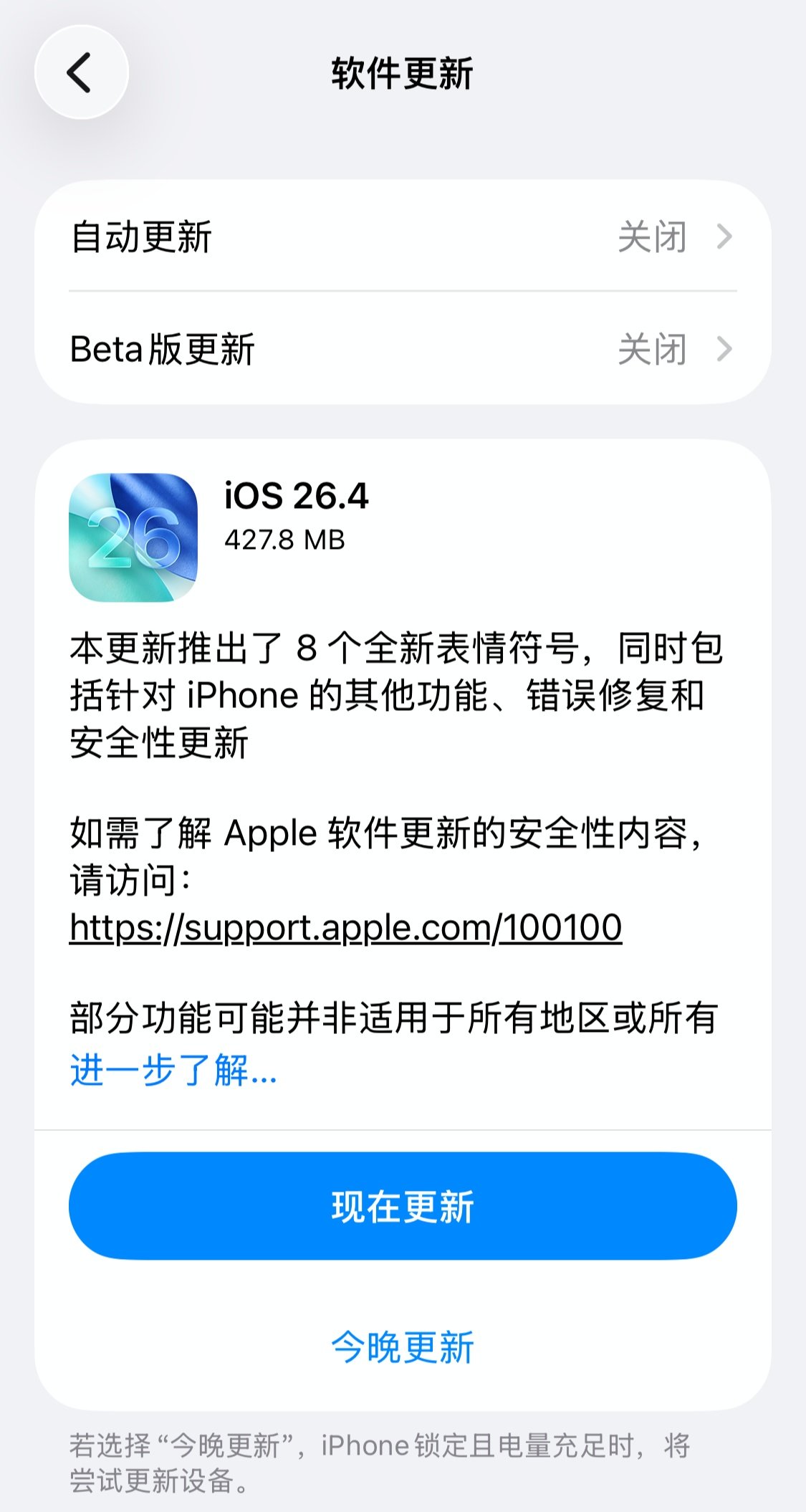
Apple has officially released iOS 26.4 and iPadOS 26.4, and this update is a bigger one than the short changelog might suggest. While the long-rumored Gemini-powered Siri upgrade still hasn’t arrived, the software does bring a wide set of changes across messaging, music, accessibility, podcasts, multitasking, health, family payments, and in-car voice experiences.
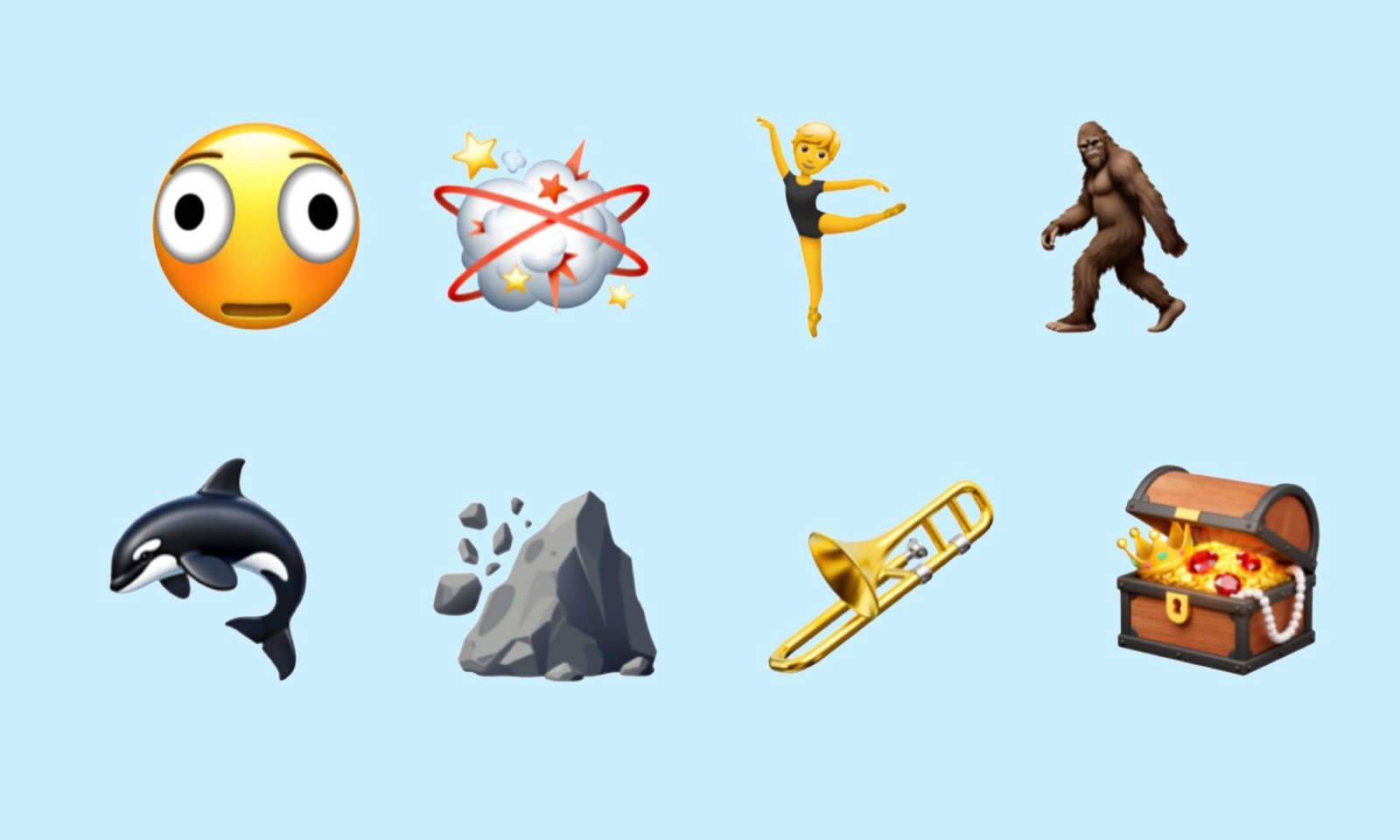
One of the easiest changes to notice is the addition of eight new emoji. Apple says the update expands everyday expression options with new characters that include an orca, a trombone, a landslide, a ballet dancer, and a distorted face. It’s a small feature on paper, but it’s also the kind of addition a lot of users spot first after installing a point release.
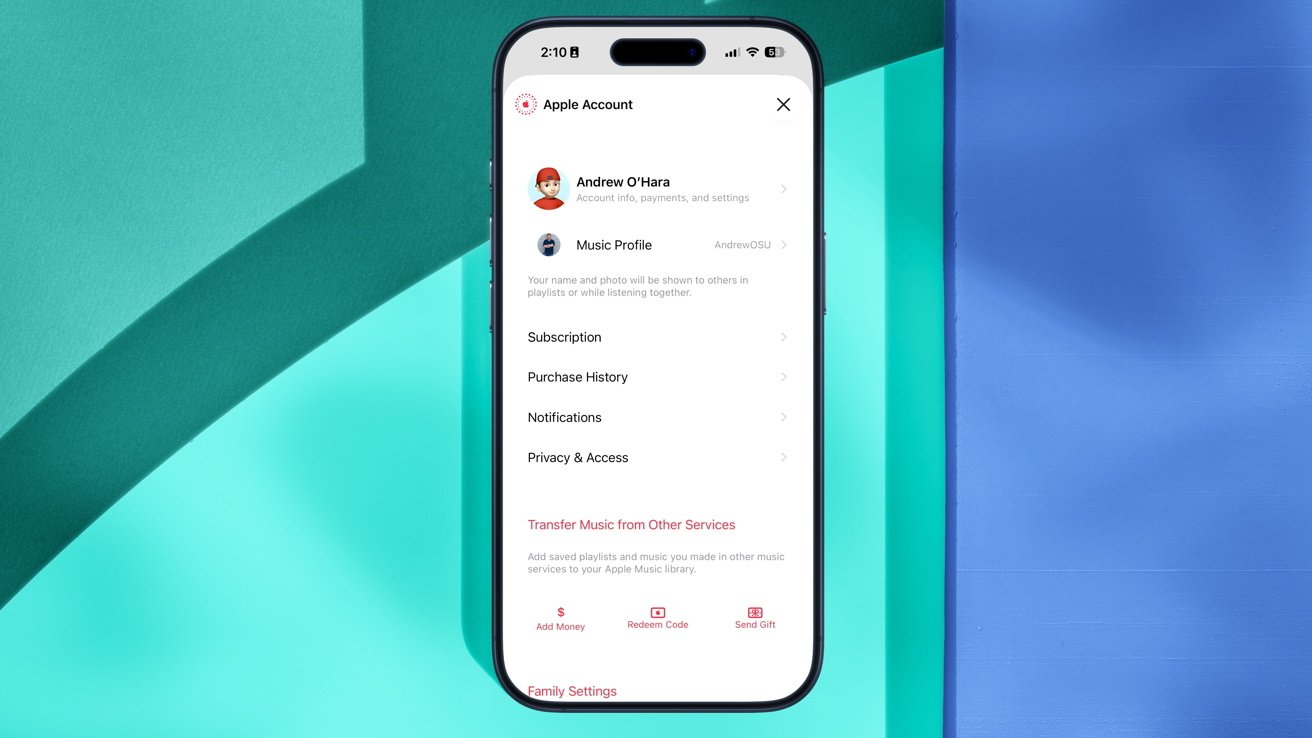
The bigger practical upgrades show up in Apple Music. Apple is introducing Playlist Playground in beta, a feature that can build a custom playlist from a user’s text prompt and automatically generate both the title and track list. The Music app also gains a Concerts section for surfacing local shows and recommending new artists, plus offline music recognition that can record audio without a network connection and deliver the match once the device goes back online.
Apple also added an Ambient Music widget to the Home Screen and refreshed the playback interface with more immersive full-screen backgrounds. Album and playlist pages are meant to feel more visual now, with artwork taking up more of the experience rather than sitting in a smaller, more utilitarian layout.
Accessibility gets several useful upgrades in iOS 26.4 too. A new Reduce Flashing Lights option cuts down on harsh flashes when users tap buttons, while subtitles and closed caption controls are now integrated directly into the media playback icon so they’re easier to preview and customize. Apple also says Reduce Motion now does a better job softening Liquid Glass transitions for people who are sensitive to motion effects on screen.
Outside of those areas, Freeform now connects to Apple Creator Studio and gains access to more advanced image creation and editing tools along with a higher-end content library. Reminders now lets users long-press from the shortcut toolbar to mark tasks as urgent, and smart lists can be filtered more precisely. Family Sharing purchases have changed too, with adult members now able to use their own payment methods instead of relying entirely on the organizer’s billing setup.
The Podcasts app is another major focus of the release. Apple has added native support for HLS video playback and introduced adaptive streaming along with dynamic video ad insertion. Users can switch more smoothly between watching the video version of a podcast and listening in audio-only mode, and they can also download video podcasts locally for offline playback.
For heavier productivity use, Apple has refined multitasking behavior. When an app with multiple windows is opened, the system can now show a Hidden Windows prompt that tells users how many windows are currently tucked away. Tapping that prompt brings up a broader overview of every window tied to that app, which should make multi-window management much less clumsy.
Health and security also get attention here. The Sleep section in Apple Health now includes an Average Bedtime metric based on the previous two weeks of usage patterns. For Apple Watch users in the US, blood oxygen information affected by earlier patent issues is reportedly back inside the Vitals view and displayed more clearly on the paired iPhone. Apple has also turned on Stolen Device Protection by default in iOS 26.4 to better protect data if a phone and passcode are both compromised.
One of the most interesting changes is in the car. Apple has opened up a new category for voice-based conversational apps, which means services like ChatGPT, Google Gemini, and Claude can now connect directly to CarPlay AI workflows. Apple is still being strict about safety, though: third-party assistants launched through CarPlay must go straight into voice-only interaction and can’t show distracting text or images on the car display. Siri still keeps top priority, so users can’t replace it as the default assistant yet.
Apple has also expanded the widget experience in CarPlay by adding an Ambient Music widget there as well. After a quick setup on iPhone, users can launch mood-based playlists for Relax, Focus, Sleep, or Wellbeing right from the car screen, keeping the experience aligned with what’s available on the phone itself.
Even with all of that, the headline many people were waiting for is still missing. Industry watchers are now looking ahead to iOS 26.5, where Apple is still expected to roll out Siri and Apple Intelligence features powered by Google Gemini. For now, iOS 26.4 is more about broad polish and platform expansion than about that next big AI handoff.