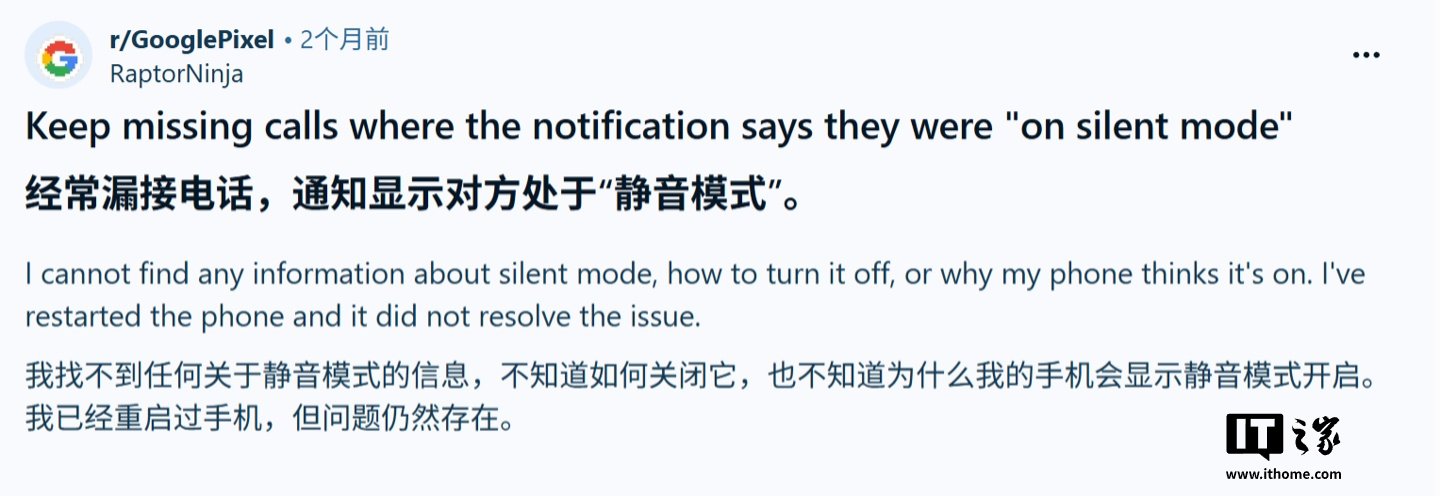
Some Google Pixel owners are reporting a frustrating issue where their phones do not vibrate during incoming calls, even when the relevant settings appear to be turned on. In practice, that means people may not realize they received a call until they later see a missed-call notification.
Reports highlighted by Android Authority point to more than one affected model, including devices such as the Pixel 8 Pro and Pixel 10. Users say the problem shows up even when call vibration settings seem to be configured correctly, which suggests the issue may not be limited to a simple toggle being turned off by mistake.
For now, the main fixes being shared are workarounds rather than permanent solutions. One suggestion is to open the Phone app notification settings, go to incoming-call alerts, and confirm that vibration is enabled there. Another is to head into sound and haptics settings, lower the ringtone vibration slider, and then raise it again instead of leaving it maxed out. Some users say that reset helps the phone start vibrating normally again.
There are also claims that Google support emails have suggested a longer troubleshooting checklist. That reportedly includes adjusting the vibration intensity to around 75% or 80%, toggling off adaptive vibration, switching Do Not Disturb and Bedtime Mode off and back on, and making sure the ringtone itself is not set to silent. Those steps have not been universally confirmed, but they line up with what affected users are trying in the meantime.
What stands out is that official Pixel community accounts have reportedly been responding to some complaints and directing users toward support channels for further investigation. So while there is not yet a formal fix for this vibration bug, the issue appears to be on Google’s radar.