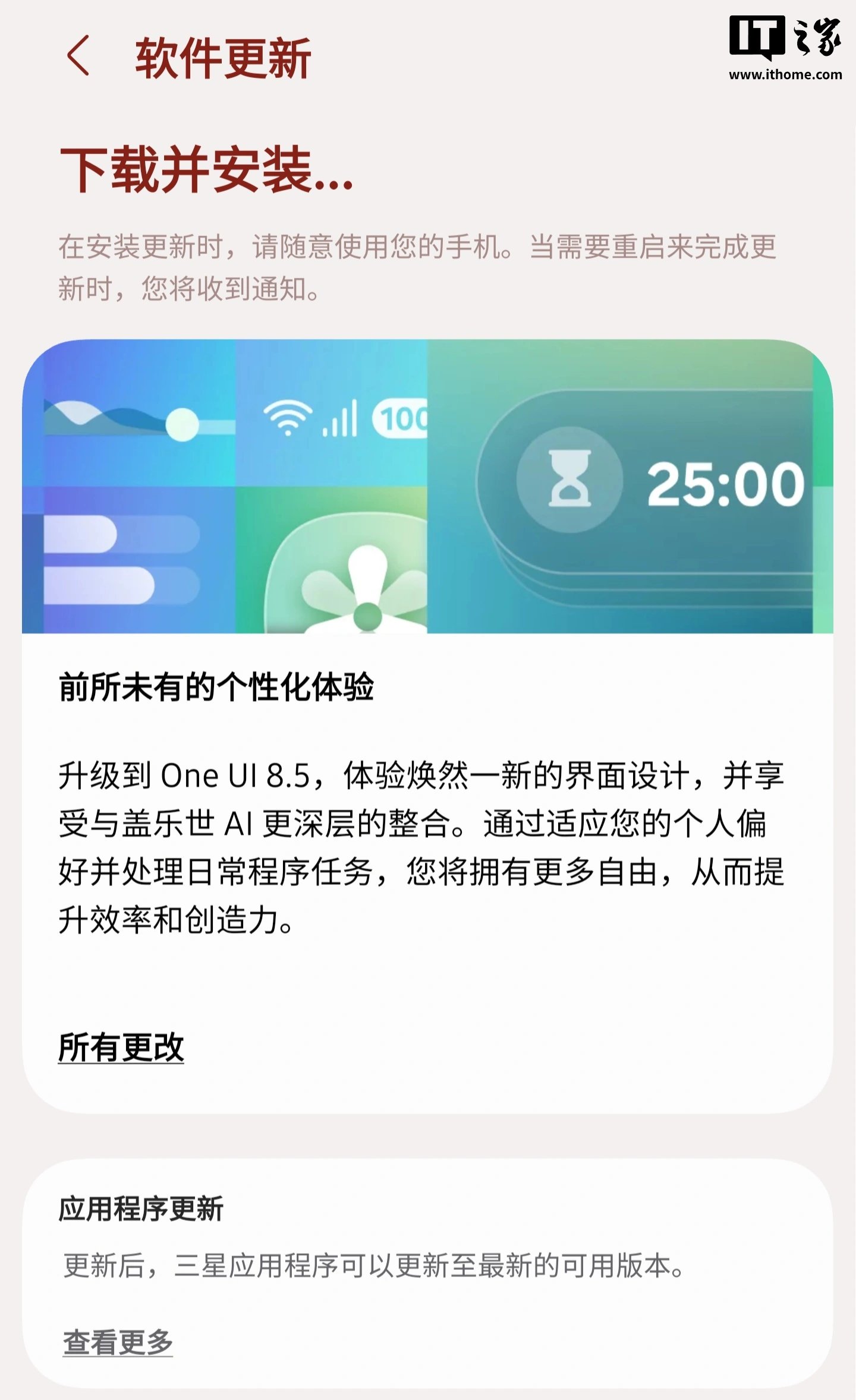
Samsung has started rolling out One UI 8.5 to the China-market Galaxy S25 series, positioning the update as a broader refresh to the interface while tightening how core system features work with Galaxy AI.
In Samsung’s own description, the release focuses on a cleaner visual design, deeper AI integration, and more freedom to tailor daily routines around personal preferences. The update touches a wide spread of system apps and features rather than just one or two headline changes.
On the home and lock screens, Samsung says lock-screen wallpapers with people or pets can now auto-adjust more neatly around clocks and widgets. The company is also adding downloadable wallpapers with interactive elements, which can be stored on demand so they don’t permanently take up local storage. Users also get more control over clock typography, including extra weight adjustments for additional font styles.
Communication features are getting a practical tweak as well. Incoming calls can now show quick personalized rejection messages based on what the user is doing, making it easier to send a context-aware response without typing one out manually. Samsung’s examples include being unable to answer while driving or exercising.
The Clock app is picking up a weather-based alarm background so users can see current conditions when the alarm goes off, along with a new time-zone comparison slider meant to make world-time differences easier to read at a glance.
Connectivity changes are one of the biggest parts of the update. Samsung says file access across other Samsung phones, tablets, and PCs can now be handled directly from the My Files app on the phone. That same cross-device logic also extends to TVs and other Galaxy hardware. Hotspot sharing is being simplified too, with support for family-group sharing under a Samsung account or custom sharing groups created by the user.
Family device sharing is expanding support for tools like Quick Share, camera sharing, storage sharing, hotspot activation, and multi-control. Samsung is also making it faster to connect to Smart View displays by allowing a home-screen shortcut for instant screen mirroring to a TV or another display.
Audio features are getting a lift through upgraded Auracast support. Broadcast and listening options are now grouped together inside an Audio Broadcast menu in Settings, and the phone can also use its built-in microphone to broadcast live voice, not just media playback.
Quick Share itself is becoming a bit smarter. When users share photos that include friends or family, the feature can identify people in the images and suggest the most relevant recipients automatically.
Battery and power management are also being refreshed. Samsung has redesigned the battery settings page to make remaining time, charging status, and week-by-week usage patterns easier to understand. Power Saving Mode now offers a clearer split between a standard mode with adjustable restrictions and a maximum mode that turns off all nonessential functions to stretch battery life further.
Privacy and accessibility updates are included too. Samsung says users can now receive warnings when app permissions may put personal data at risk, along with guidance on what to do next. There’s also a temporary option to disable Auto Blocker for 30 minutes before it switches itself back on, reducing the risk of forgetting to restore the protection later.
On the accessibility side, the former automatic action after pointer stop setting has been divided into two parts: hover actions and corner actions. Samsung is also adding an option to dim flicker inside videos for more comfortable viewing.
Beyond that, One UI 8.5 adds a more customizable quick panel, more flexible calendar countdown widgets, earlier reminder notifications, table insertion tools inside Samsung Notes, partial screen recording, and a calculator prompt feature that can suggest copied numbers and formulas as soon as the app opens. Taken together, the update looks less like a minor patch and more like a broad usability pass across the Galaxy S25 experience.