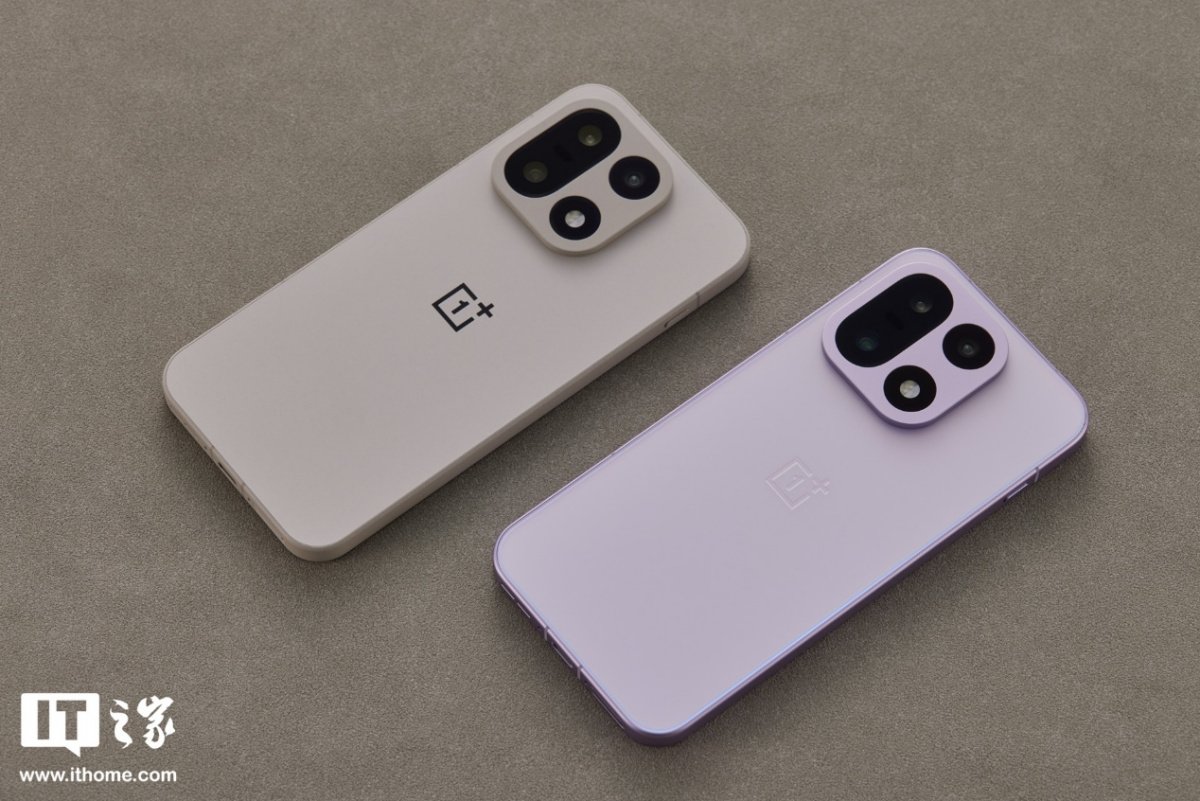
OnePlus has outlined its new Android 17 Beta 2 developer preview plan for the OnePlus 15, according to a notice published by the official ColorOS Upgrade Assistant account in the OnePlus community. The build is based directly on Google’s Android 17 Beta 2 release and is intended for developers who want early access to the platform rather than everyday users looking for a stable update.
The company says this preview will include support for the latest GMS package. As part of that change, built-in native apps that duplicate functions already covered by Google Mobile Services won’t be retained in the same way on this beta build. That makes the software package a little different from a normal consumer-facing OTA and reinforces that this is a development track first.
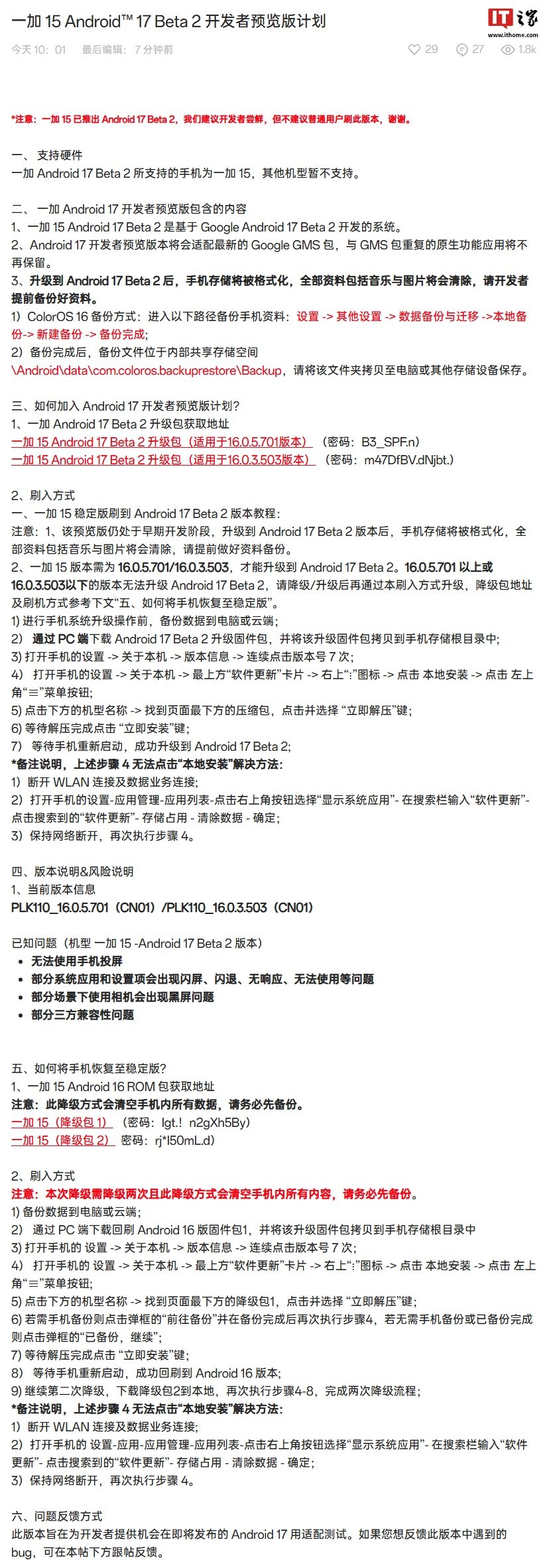
There’s an important warning attached to the rollout: installing the preview will format the phone’s storage. OnePlus says all local files, including photos, music, and other personal data, will be erased during the process, so anyone planning to test the software needs to complete a full backup in advance. That warning appears several times in the published instructions, which makes it pretty clear the brand expects this build to be handled carefully.
OnePlus also says the preview can only be installed from specific base versions. The supported starting points are ColorOS 16.0.5.701 and 16.0.3.503 on the OnePlus 15. Devices running a version above 16.0.5.701 or below 16.0.3.503 won’t be able to move straight to this beta package, so users would need to upgrade or downgrade first before attempting the local installation method.
The published workflow is fairly manual. First, users are told to back up their data to a PC or the cloud. Next, they need to download the Android 17 Beta 2 firmware package on a computer and copy the compressed file to the root directory of the phone’s storage. After that, the device has to be put into the right update mode by opening Settings, going to About device, entering Version information, and tapping the version number seven times.
From there, the instructions direct users back into Settings, then into the software update card at the top of the About device page. After tapping the menu icon in the upper right, they need to choose local install, open the side menu, tap the device model name at the bottom, locate the compressed update package, and select the option to extract it immediately. Once extraction finishes, the phone can proceed with the install and reboot into the preview build.
OnePlus also included a workaround for users who can’t tap the local install option. The company says they should disconnect both Wi-Fi and mobile data first, then go into app management, show system apps, search for the software update service, and clear that app’s stored data. While keeping the phone offline, users can then retry the local installation steps. It’s a very developer-style process overall, and definitely not the kind of update path meant for casual experimentation.
In short, the OnePlus 15 is getting an early developer preview of Android 17 Beta 2, but it comes with strict version requirements, a manual sideload-style procedure, and a guaranteed data wipe. For developers building or validating apps against Google’s latest beta platform, that early access may still be worth the hassle.